

BridgeERP brand
Our logo, colours, icons and fonts
Everything you need to show BridgeERP correctly: in a proposal, on your website, on a sign or in a news story. Every logo comes as SVG, as PDF for printers and as transparent PNG.
Brand kit: ZIP, 21.6 MB. Brand guide: PDF, 1.6 MB.

 The B mark: app launcher, browser tab, profile picture.
Downloads
Take the whole kit, or only the part you need. Every pack includes the brand guide, which says which file to use where: Word and PowerPoint, printers, signs, websites and social media.
- Download
BridgeERP logo
The wordmark in five colourways and the B mark, with favicon.ico.
ZIP · SVG, PDF, PNG · 2.2 MB
- Download
Suite logos and symbols
Seven suite logos (horizontal, stacked and compact) and their symbols, in four colourways.
ZIP · SVG, PDF, PNG · 10.6 MB
- Download
App icons
205 app icons for light and dark backgrounds, with SVG sprites.
ZIP · SVG, PNG · 6.7 MB
- Download
Colours
Swatch sheet, HEX, RGB and CMYK table, and swatch files for design programs.
ZIP · PDF, PNG, ASE, GPL · 1.7 MB
- Download
Fonts
Bridge Sans, Inter, Noto Sans Arabic and Noto Sans Devanagari, free to use and embed.
ZIP · TTF, WOFF2 · 2.9 MB
- Download
Partner kit
The partner badge, the "Try BridgeERP free" button and share banners in four sizes.
ZIP · SVG, PDF, PNG · 4.4 MB
The logo
The BridgeERP wordmark, with "ERP" in Signal Orange. On navy, black or a dark photo, use the on-dark version. For one-colour jobs such as engraving, stamps and embroidery, use the black or white files.
| Logo | Screen | |
|---|---|---|
| Wordmark | 100 px wide | 25 mm |
| Suite logo | 140 px wide | 35 mm |
| Suite logo, stacked | 70 px wide | 18 mm |
| B mark | 16 px | 6 mm |
Suite logos
Each industry suite has its own symbol, drawn like the app icons with no background, next to its name and the "BRIDGEERP SUITE" line. All seven share one height, so they line up side by side.







Stacked versions are for square spaces, compact ones (symbol and name) for spaces under 32 px tall. Each comes on light, on dark, in black and in white, with the symbols alone and the browser-tab and phone icons.
Colours
The Bridge Four carry the brand; the neutrals carry the page. Use HEX or RGB on screens. CMYK is a plain conversion for a first print proof: ask the printer to match the proof to the HEX colour.
The Bridge Four
- Bridge Navy
- HEX
- #114966
- RGB
- 17, 73, 102
- CMYK
- 83 28 0 60
- Signal Orange
- HEX
- #F89D14
- RGB
- 248, 157, 20
- CMYK
- 0 37 92 3
- Bridge Green
- HEX
- #0F8A6E
- RGB
- 15, 138, 110
- CMYK
- 89 0 20 46
- Bridge Sky
- HEX
- #2F86C6
- RGB
- 47, 134, 198
- CMYK
- 76 32 0 22
Neutrals
- Ink
- HEX
- #151D23
- RGB
- 21, 29, 35
- CMYK
- 40 17 0 86
- Muted
- HEX
- #576470
- RGB
- 87, 100, 112
- CMYK
- 22 11 0 56
- Line
- HEX
- #E2E7EC
- RGB
- 226, 231, 236
- CMYK
- 4 2 0 7
- Surface
- HEX
- #F7F9FB
- RGB
- 247, 249, 251
- CMYK
- 2 1 0 2
On dark backgrounds
- Navy on dark
- HEX
- #8FBED6
- RGB
- 143, 190, 214
- CMYK
- 33 11 0 16
- Green on dark
- HEX
- #49C2A2
- RGB
- 73, 194, 162
- CMYK
- 62 0 16 24
- Sky on dark
- HEX
- #79B6E6
- RGB
- 121, 182, 230
- CMYK
- 47 21 0 10
- Dark ground
- HEX
- #0B161E
- RGB
- 11, 22, 30
- CMYK
- 63 27 0 88
How much of each on a screen
- White and light grey 60%
- Navy 28%
- Green 4%
- Sky 4%
- Orange 5% at most
App icons
One icon per job, the same in every suite: billing is billing in a hotel, a school or a hospital. A line drawing in the job's colour, a soft fill and one orange touch, with no background. 205 icons, each for light and dark backgrounds.
Navy: money, brand and admin apps
 Accounting
 Invoicing
 Billing & Folios
 Payroll
 Point of Sale
 Loans
Loans Savings
 Expenses
Green: people and communication apps
 CRM
CRM Employees
 Students
 Patients
 Members
 Recruitment
 Helpdesk
 Appointments
Sky: operations apps
 Inventory
 Purchase
 Housekeeping
 Booking Engine
 Fleet
Fleet Maintenance
 Timetable
 Website
Fonts
Two families for every page, both free to use and embed under the SIL Open Font License.
Bridge Sans
Headings, buttons, logos and figures in tables
Run your whole business in one place
RegularSemiBoldBoldExtraBold
1,284.5097,310.004,006.75
Every figure has the same width, so amounts line up in tables.
Inter
Body text and long reading
Invoices, stock counts, class lists and room bookings, all in one place. Inter also covers the letters Bridge Sans does not have yet, for Hausa, Yoruba, Ewe and Twi, and the naira, cedi and rupee signs.
Arabic and Hindi use Noto Sans Arabic and Noto Sans Devanagari, also in the font pack.
Using the brand
Do
- Keep clear space around every logo equal to half the logo's height, on all sides.
- Use the colourway that matches the background: colour on light, on-dark on navy or black, black or white for one-colour jobs.
- Keep a suite logo's symbol, name and "BRIDGEERP SUITE" line together. Only the compact version, for spaces under 32 px tall, drops the line.
- Give printers the PDF files and the HEX colours, and ask for a proof.
Don't
- No background, box or tile behind suite symbols or app icons. Only the B mark has a tile.
- Do not change the colours, stretch, rotate, or add shadows, outlines or gradients.
- Never use a suite symbol as an app icon.
- Orange is a small touch only: never a background.
- Never join the BridgeERP logo with another logo into one design: keep clear space between them.
Partner kit
For BridgeERP partners and affiliates: a badge for your website and proposals, a button for your link, and banners for social media and websites.


- Partner badge. Only for approved BridgeERP partners, while the partner agreement is in force. Link it to www.mybridgeerp.com/partners.
- Button and banners. Link them to your own affiliate link, www.mybridgeerp.com/r/your-name, which you create in your BridgeERP portal.
- Your logo and ours. They may sit side by side with clear space between, never inside one design. Never use BridgeERP in your company name, logo or web address, or suggest you speak for BridgeERP.
- Prices and offers come from our website: do not add your own to the files.
Banners
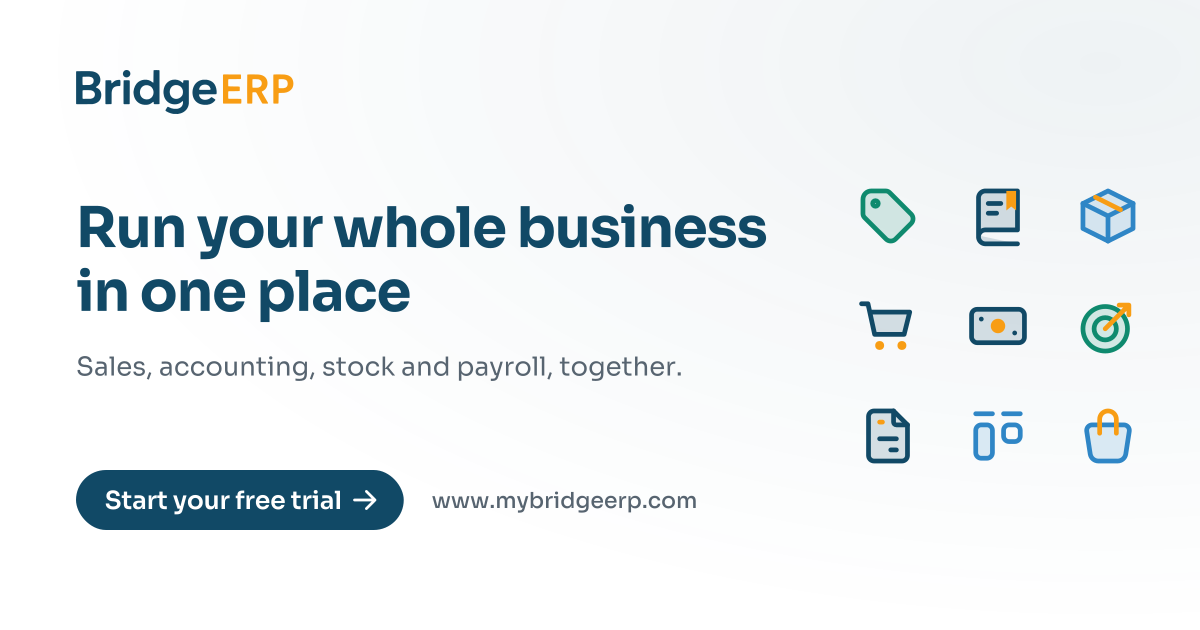


Every banner comes in a light and a navy version, as PNG for posting and SVG for printing or resizing.
Download the bannersNeed a file that is not here?
Tell us what you are making, and we will send the right file.